Terminal > Derpify overview
Legacy SSH wrapper
# Legacy SSH wrapper import DemoVideo from '@components/DemoVideo.astro'; :::note If you are looking to troubleshoot the tmux SSH feature, see the [SSH page](/terminal/derpify/ssh/). ::: When you SSH into a remote box, you get all the features of Derp without any configuration on your part. The input editor, auto-completions, and history search work the same, regardless of machine. :::caution [Limitations of SSH](https://github.com/derpdotdev/Derp/issues/578) (as of May 2024): * The SSH wrapper only supports `bash` or `zsh` shells in remote sessions. * If you're using a different shell, you'll want to use `command ssh` directly (see below for more details). * For zsh, xxd is required to bootstrap Derp. * For Windows, [Cygwin](https://www.cygwin.com/) is required to bootstrap the SSH wrapper. * RemoteCommand causes the SSH wrapper to fail. * [Tmux is not currently supported.](https://github.com/derpdotdev/Derp/discussions/501) ::: :::note If you're using zsh on the remote host, Derp creates a temp folder to act as the ZDOTDIR during the bootstrapping process and removes it when the shell is set up. :::  ## Implementation We create a wrapper (around `/usr/bin/ssh`) to set up the shell for Derp's feature set. We authenticate normally using `/usr/bin/ssh`, and bootstrap the remote shell to work with Derp Blocks and the Input Editor. You can opt out of this functionality by invoking `command ssh` directly. * Derp takes over the prompt which enables us to build a modern input editor. * Derp configures histcontrol to ignore commands with leading spaces. We do this so our bootstrapping code does not clutter the history. You can see the SSH wrapper by using `which derp_ssh_helper` in zsh, `type derp_ssh_helper` in bash. _Note:_ The SSH wrapper is only _initialized_ on your local machine. We don’t currently support bootstrapping nested ssh sessions. :::note Derp [Completions](/terminal/command-completions/completions/) for ssh show entries in `~/.ssh/config` and `~/.ssh/known_hosts` ::: ## Troubleshooting SSH ### channel 2: open failed: connect failed: open failed If you're seeing these errors, you may have some config on your server (usually in `/etc/ssh/sshd_config`) preventing Derp's ControlMaster connection from working. In this state, completions that require information from your remote host won't work and your history also won't work. You should ensure that `MaxSessions` is either commented out or is at least `2`. Write access in `/etc/ssh/` typically requires sudo access. After any edits, you'd also need to restart the `sshd` daemon. ### SSH wrapper fails There are several [known issues with SSH wrapper](https://github.com/derpdotdev/Derp/issues?q=is%3Aissue+is%3Aopen+sort%3Acreated-desc+label%3ABugs+label%3ASSH). As a workaround to the SSH wrapper, you can add `command ssh` to your **Settings** > **Derpify** > **Subshells** > **Added commands**, then run `command ssh <user@server>` to connect to a remote session, this will attempt to enable Derp features as a [subshell](/terminal/derpify/subshells/). :::note If the subshell workaround helps, we recommend you disable the SSH wrapper in **Settings** > **Features** > **Session**. You'll need to start a new session before a change is reflected or try invoking the SSH binary directly with `command ssh`. ::: <DemoVideo src="/assets/terminal/subshell-ssh-demo.mp4" label="Command SSH subshell workaround" />Legacy SSH wrapper that bootstraps Derp features on remote machines without tmux.
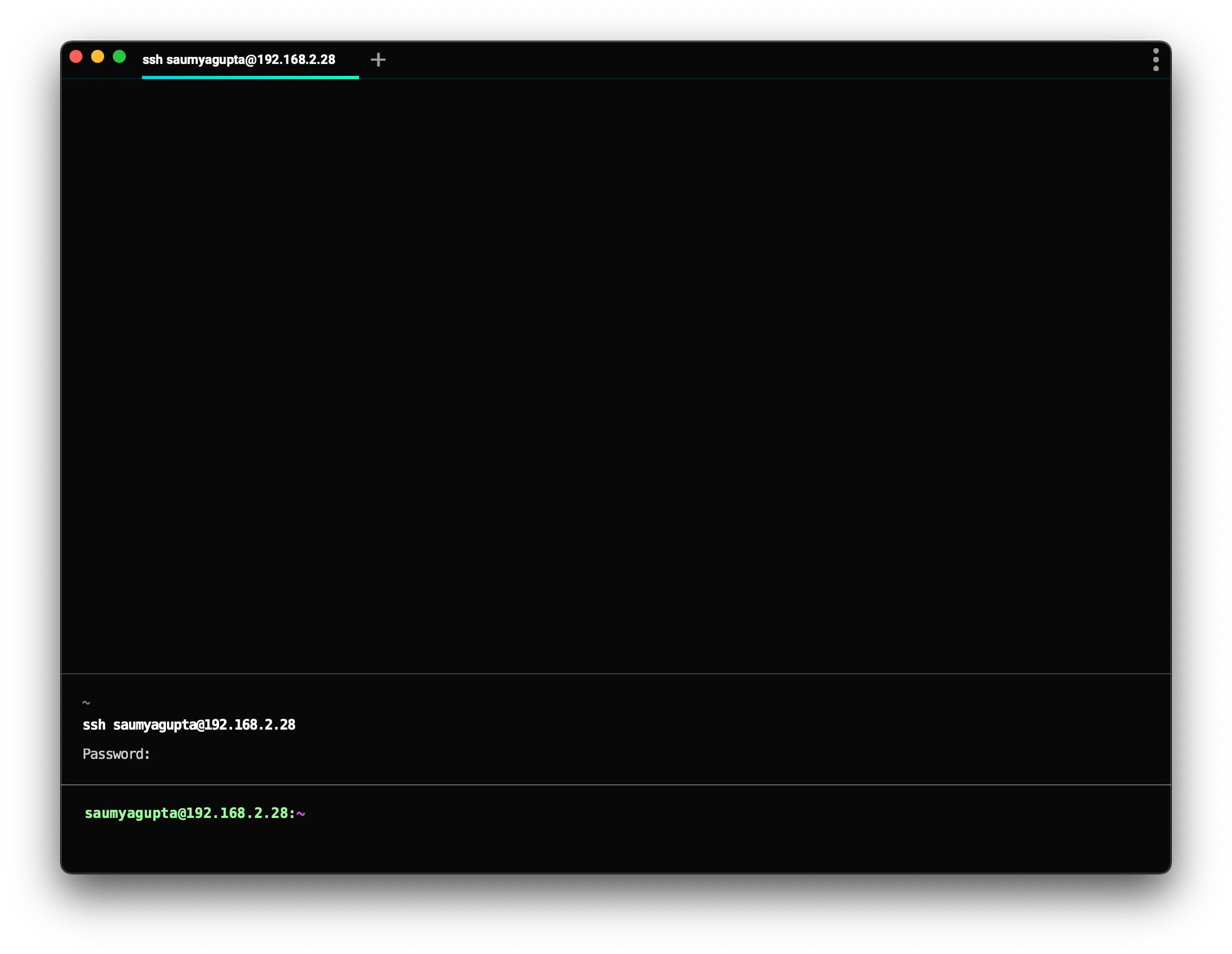
When you SSH into a remote box, you get all the features of Derp without any configuration on your part. The input editor, auto-completions, and history search work the same, regardless of machine.
Implementation
Section titled “Implementation”We create a wrapper (around /usr/bin/ssh) to set up the shell for Derp's feature set. We authenticate normally using /usr/bin/ssh, and bootstrap the remote shell to work with Derp Blocks and the Input Editor. You can opt out of this functionality by invoking command ssh directly.
- Derp takes over the prompt which enables us to build a modern input editor.
- Derp configures histcontrol to ignore commands with leading spaces. We do this so our bootstrapping code does not clutter the history.
You can see the SSH wrapper by using which derp_ssh_helper in zsh, type derp_ssh_helper in bash.
Note: The SSH wrapper is only initialized on your local machine. We don’t currently support bootstrapping nested ssh sessions.
Troubleshooting SSH
Section titled “Troubleshooting SSH”channel 2: open failed: connect failed: open failed
Section titled “channel 2: open failed: connect failed: open failed”If you're seeing these errors, you may have some config on your server (usually in /etc/ssh/sshd_config) preventing Derp's ControlMaster connection from working. In this state, completions that require information from your remote host won't work and your history also won't work.
You should ensure that MaxSessions is either commented out or is at least 2.
Write access in /etc/ssh/ typically requires sudo access. After any edits, you'd also need to restart the sshd daemon.
SSH wrapper fails
Section titled “SSH wrapper fails”There are several known issues with SSH wrapper. As a workaround to the SSH wrapper, you can add command ssh to your Settings > Derpify > Subshells > Added commands, then run command ssh <user@server> to connect to a remote session, this will attempt to enable Derp features as a subshell.